Sign in and switch accounts
Sign in to CoachSync, reset a forgotten password, move between accounts and log out.
Coaches and clients sign in on the same page. One email address can belong to several CoachSync accounts, for example a coach who works at two gyms, and you choose which one to open.
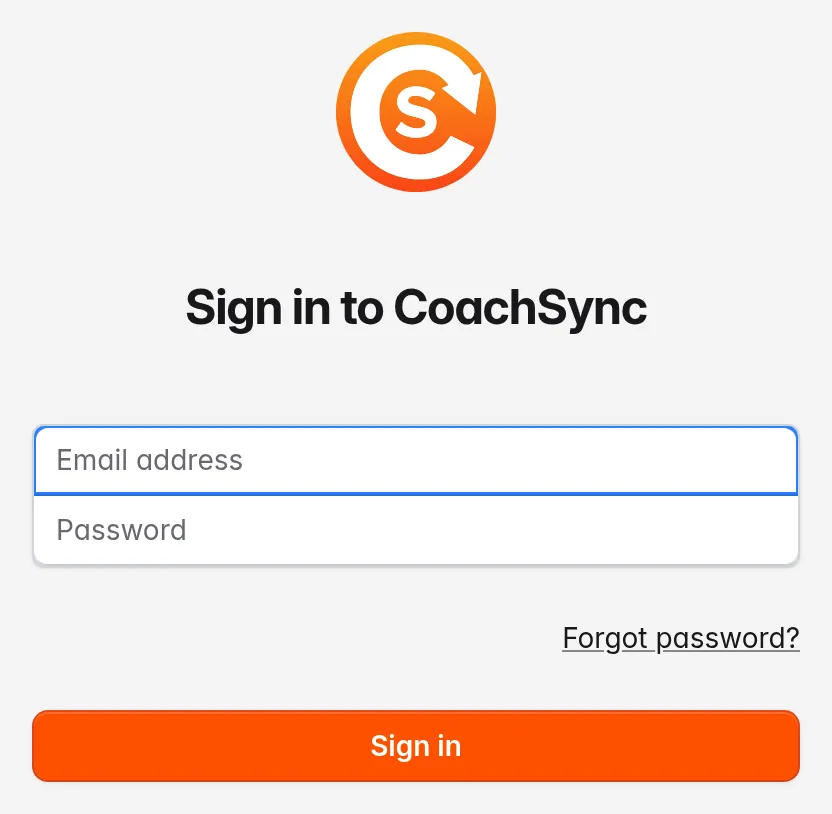
Sign in
- Open
https://app.coachsync.io. - Enter your Email address.
- Enter your Password.
- Select Sign in.
Where CoachSync opens depends on who you are in the account:
- Owners, admins and coaches land on My Clients. Until someone finishes or skips the setup steps, they land on those steps instead. See Start your free trial.
- Clients land on their training log.
- People who only book and buy, with no training program, land on Home.
If you followed a link to a page in your account while signed out, CoachSync opens that page after you sign in.
CoachSync keeps you signed in on that browser until you log out.
If the email address or password is wrong, the page shows Try another email address or password.
Reset a forgotten password
- On the sign-in page, select Forgot password?.
- Enter your email address.
- Select Email me reset instructions.
- Open the email from CoachSync and follow its link. The link works for 15 minutes.
- Enter a new password of at least 12 characters.
- Enter the same password again.
- Select Update password.
The sign-in page shows Password has been reset. Sign in with the new password.
If CoachSync has no login for the email address you entered, the page says so. Check for a typo, or try another address you use.
Choose an account
If your email address belongs to more than one account, CoachSync shows Choose an account after you sign in. Each button is a business name. Select the one you want to open.
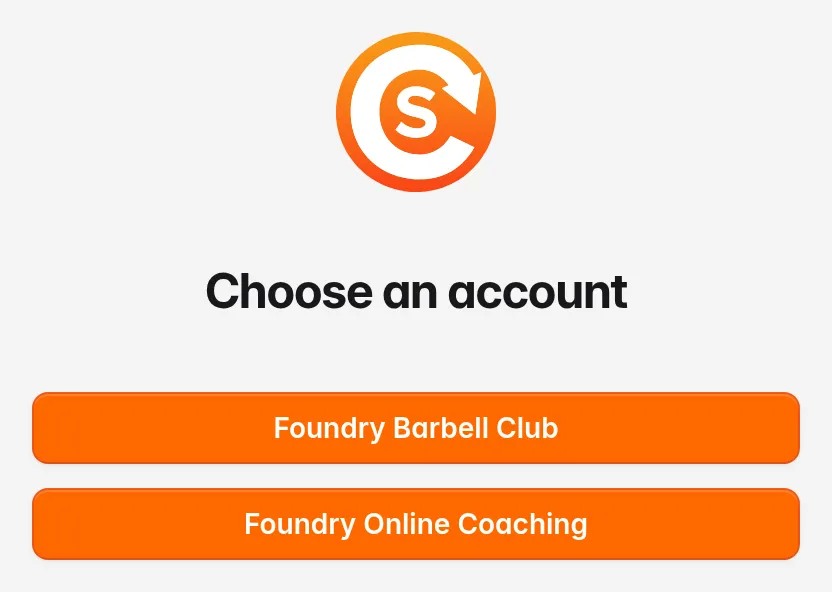
If your email address belongs to one account, CoachSync opens it without this page.
Switch accounts
- Select CoachSync at the top of any page to open the menu. On a keyboard, you can press J.
- Under Account, select the business name you want. A check mark shows the account you are in.
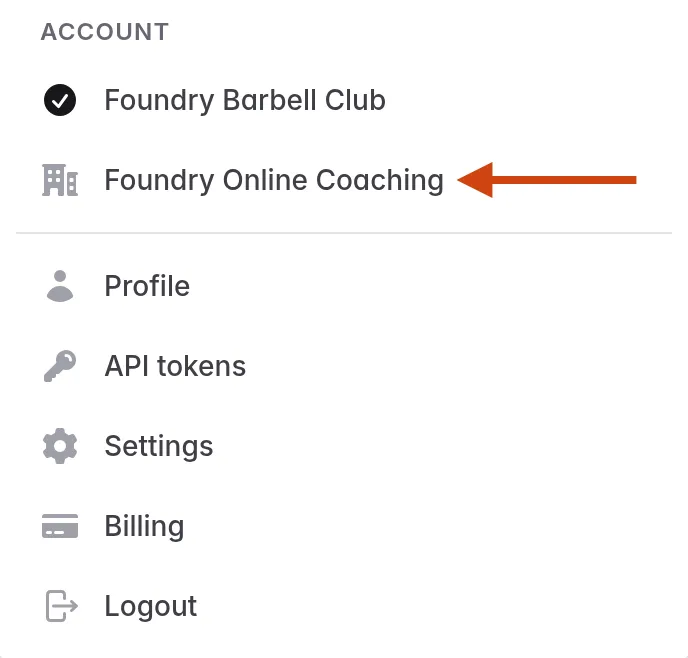
You can also open https://app.coachsync.io/session/menu to see Choose an account again.
Log out
- Select CoachSync at the top of the page.
- Select Logout.
CoachSync signs you out of every account on that browser and returns you to the sign-in page.