Members manage their billing
Show members where to update their card and manage their subscription, and choose what happens when a payment fails.
Members who pay through a subscription manage it in Stripe’s customer portal, which they open from CoachSync. You choose whether a member whose payment has failed can keep using CoachSync.
Where members manage their subscription
A member with a subscription sees My subscription in the menu. It opens Stripe’s customer portal for your Stripe account.
- Select CoachSync at the top of the page to open the menu.
- Select My subscription.
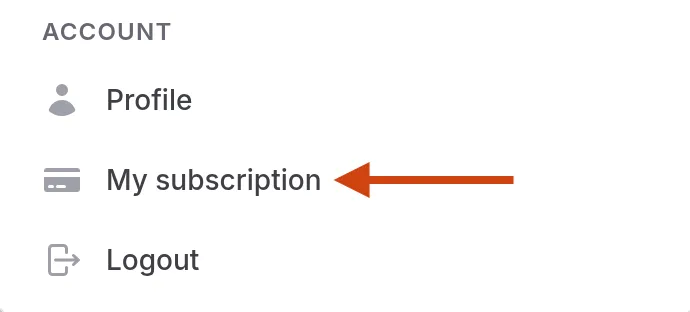
My subscription shows only while the member has a subscription that has not ended.
What the portal lets a member do, such as update their card, cancel or switch plans, depends on the customer portal settings in your Stripe account. CoachSync does not change those settings. When a member cancels or switches plans in the portal, Stripe tells CoachSync, and the subscription and the member’s class access update to match. A member who cancels shows Cancels and the end date on Subscriptions, and their coach gets a notification. See See your payments.
Choose what happens when a payment fails
This setting applies to a member who has a Past Due or Unpaid subscription and no Active or Trialing one. Only the owner can change it.
- Select CoachSync at the top of any page to open the menu.
- Under Payments, select Settings.
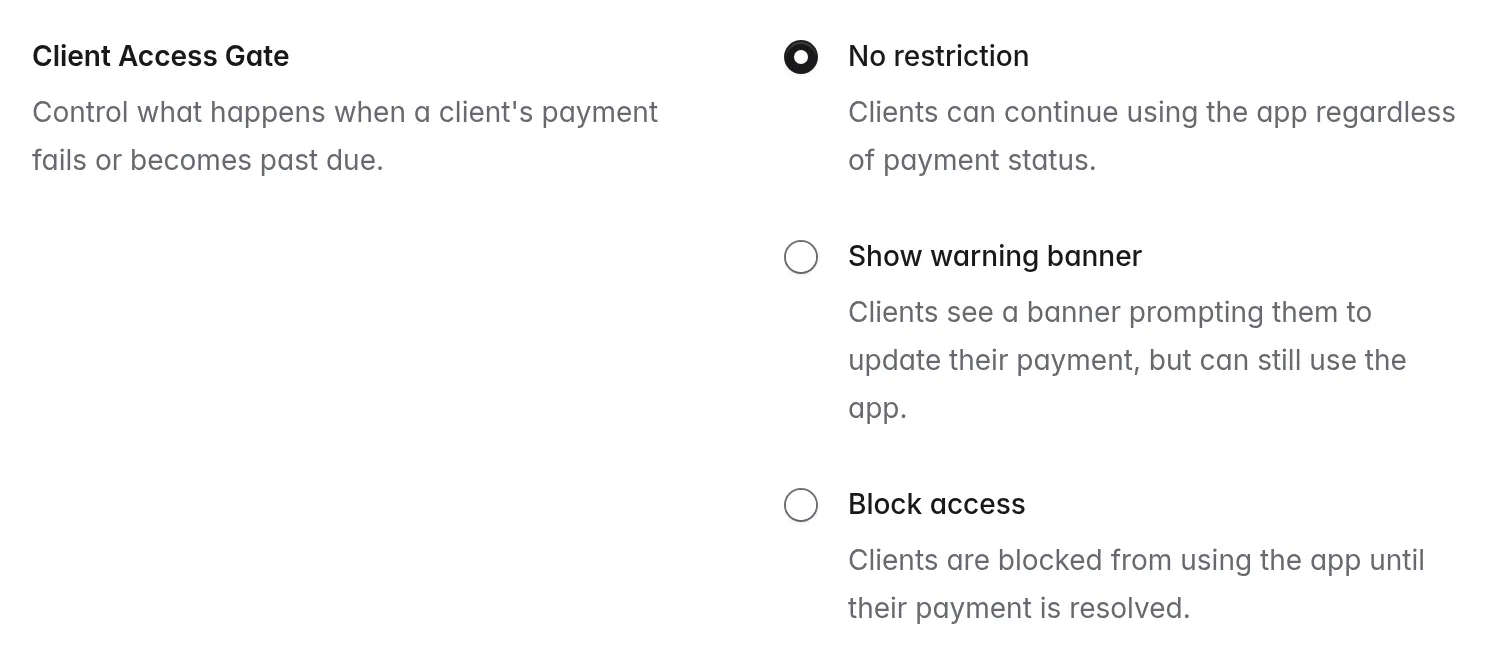
- Under Client Access Gate, choose one:
- No restriction. Members use CoachSync as usual. New accounts start with this setting.
- Show warning banner. Members see a banner asking them to update their payment, and can still use CoachSync.
- Block access. Members cannot use CoachSync until the payment is fixed.
- Select Save changes.
What members see
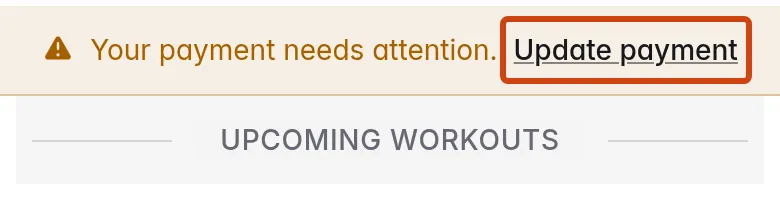
- With Show warning banner, the top of every page says “Your payment needs attention.” with an Update payment link.
- With Block access, every page shows Account Requires Payment with an Update payment method button.
Both open Stripe’s customer portal, where the member can fix their payment.
Late payments and class access
While a subscription is Past Due or Unpaid, the member’s membership shows Past Due and still covers classes. With Block access on, the member cannot open CoachSync to book.
To hear about failed payments, see See your payments.
Get help
If something on this page does not match what you see, contact support.