Message your coach
Send your coach a direct message, or leave a note on a workout or an exercise.
You can reach your coach in two places. A conversation is for anything. A note on a workout stays with that workout, so your coach reads it next to your results.
Send a message
- Tap CoachSync at the top of the page to open the menu.
- Tap Conversations.
- Open your conversation with your coach:
- If it is in the list, tap it.
- If it is not, tap the Search conversations or people box, then tap Start conversation with and your coach’s name.
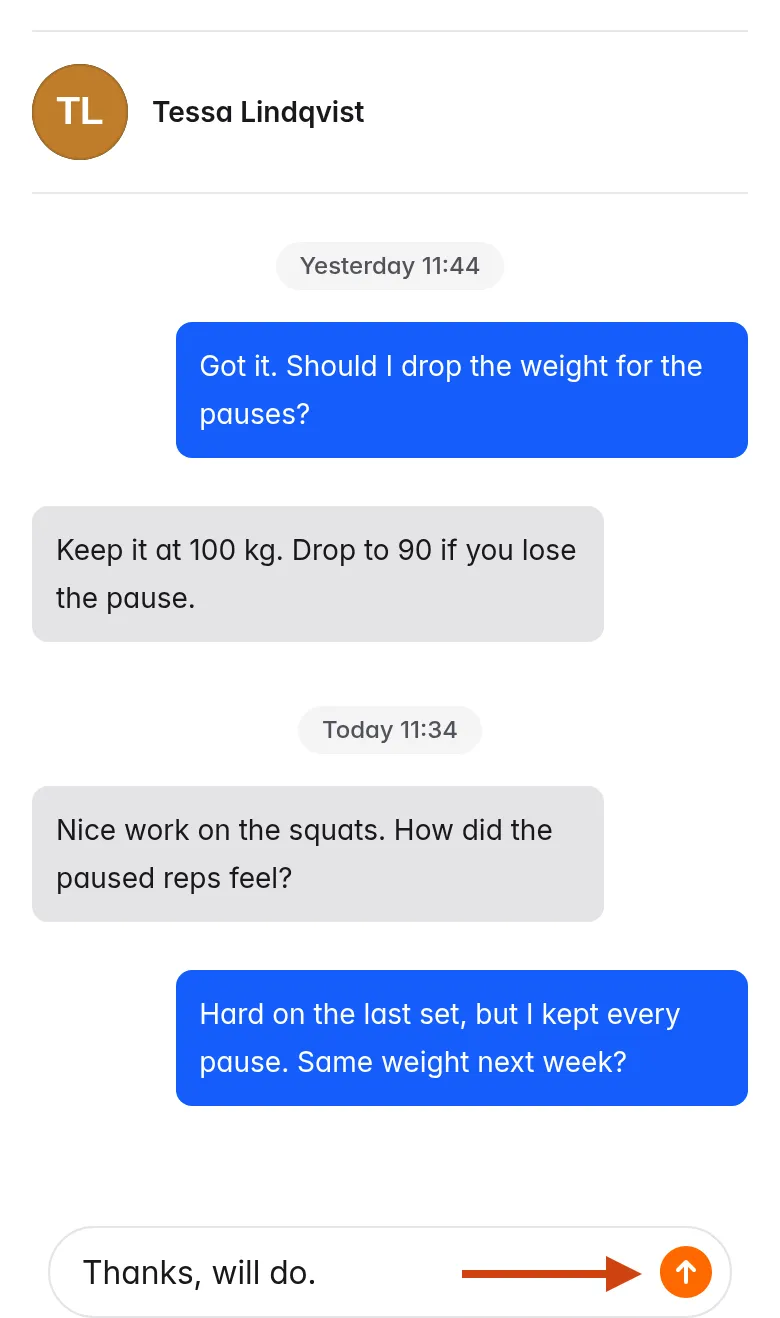
- Type your message in the box at the bottom.
- Tap the send button, the orange arrow beside the box.
Your message appears in the conversation, and your coach gets a notification.
Read your messages
- In Conversations, a conversation with messages you have not opened shows Unread. When you open it, it shows Read.
- A green dot on the Conversations tile in the menu means you have unread messages.
- To see when each message was sent, swipe left across the messages and hold. On a computer, hold Shift.
- Messages are text only. A link in a message shows a preview of the page it links to.
On a computer, Enter sends the message, and Shift with Enter starts a new line.
Leave a note on a workout
On the workout page, you can leave a note on one exercise or on the whole workout.
To leave a note on an exercise:
- Open the workout.
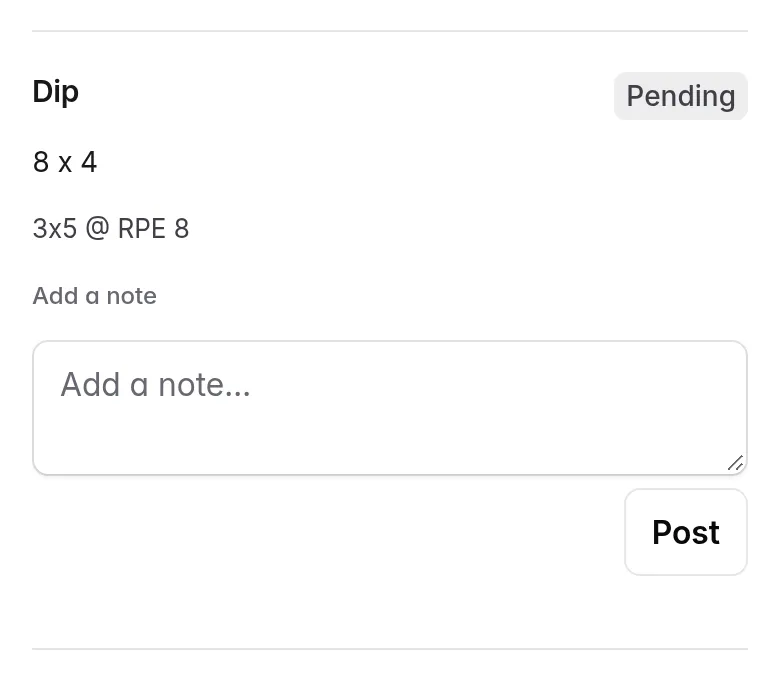
- Under the exercise, tap Add a note. If the exercise already has notes or videos, tap Show instead.
- Type your note.
- Tap Post.
To leave a note on the whole workout:
- Open the workout.
- Scroll to Workout notes at the bottom of the page.
- Type your note.
- Tap Post.
CoachSync shows Comment added. Your coach gets a notification.
While you log a workout, you can leave a note on an exercise from the logging page too. Tap Notes & Video under the exercise, type in the Add exercise feedback… box, and tap Post comment.
When your coach replies on a workout, you get a notification that your coach left feedback. Tap it to open the workout.
Get help
If something on this page does not match what you see, contact support.