Record a form check
Upload a video of a lift to the exercise in your workout so your coach can check your form.
A form check is a video of you doing a lift. You upload it to the exercise in your workout. Your coach watches it there and can reply under it.
Before you start
- You upload videos from the logging page of a workout, so start the workout first.
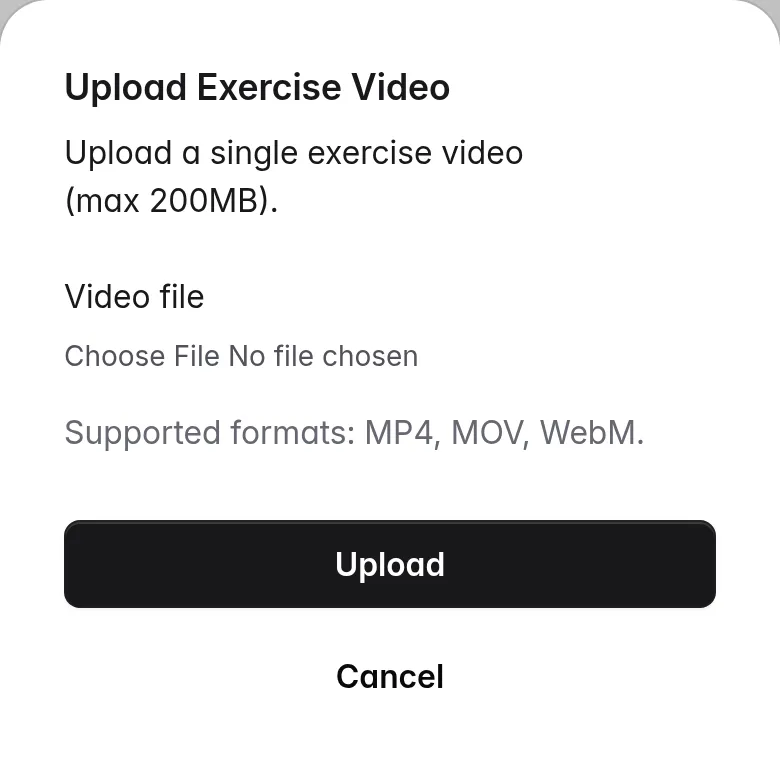
- The video must be an MP4, MOV or WebM file of 200 MB or less.
- Each upload holds one video. To send several, upload them one at a time.
Upload a video
- Open the workout.
- Tap Start workout. If you started it already, tap Resume workout. If you finished it, tap Edit session.
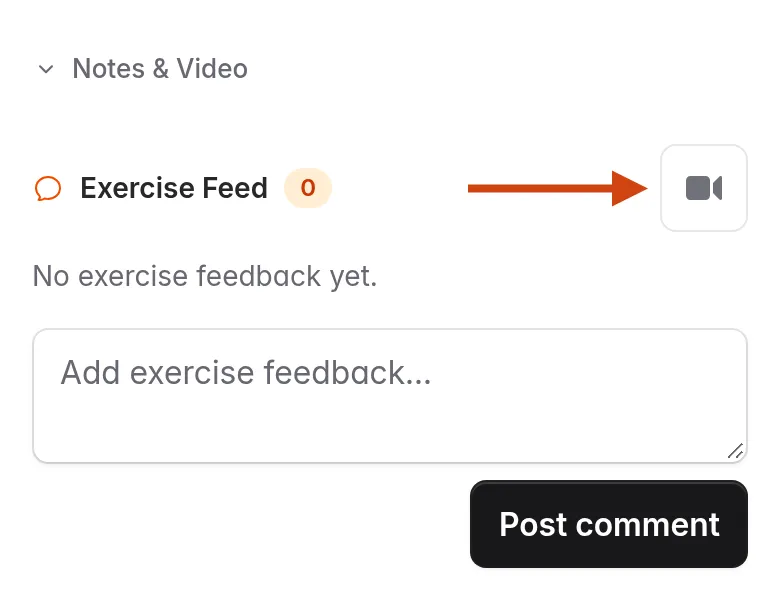
- Under the exercise, tap Notes & Video.
- Tap the video camera button beside Exercise Feed.
- Tap the Video file field.
- Choose the video. Your phone shows you the choices.
- Tap Upload.
CoachSync shows the upload’s progress as a percentage. Keep the page open until the upload finishes. The video then appears in the exercise’s feed with the message Video uploaded. Your coach gets a notification.
If CoachSync cannot save the video, it shows one of these messages:
- Video must be an MP4, MOV, or WebM file. Save or export the video in one of those formats and upload it again.
- Video must be 200MB or smaller. Trim the video or record a shorter one, then upload it again.
Watch a video
Tap a video in the exercise’s feed to play it. Fullscreen fills the screen, and Close stops the video.
The workout page shows the videos too. An exercise with videos shows a count, such as 1 video. Tap Show under the exercise to see them.
When your coach replies under the exercise, you get a notification that your coach left feedback. To reply, see Message your coach.
Get help
If something on this page does not match what you see, contact support.