Read a client's lift history and reports
See a client's best lifts, estimated 1RM and recent sessions for each exercise, built from the sets they logged.
Reports show a client’s progress on each lift. For each exercise, CoachSync charts their progress and lists their best sets and recent sessions, all from the sets they logged.
Open a client’s reports
- Open My Clients and select the client.
- Select Reports.
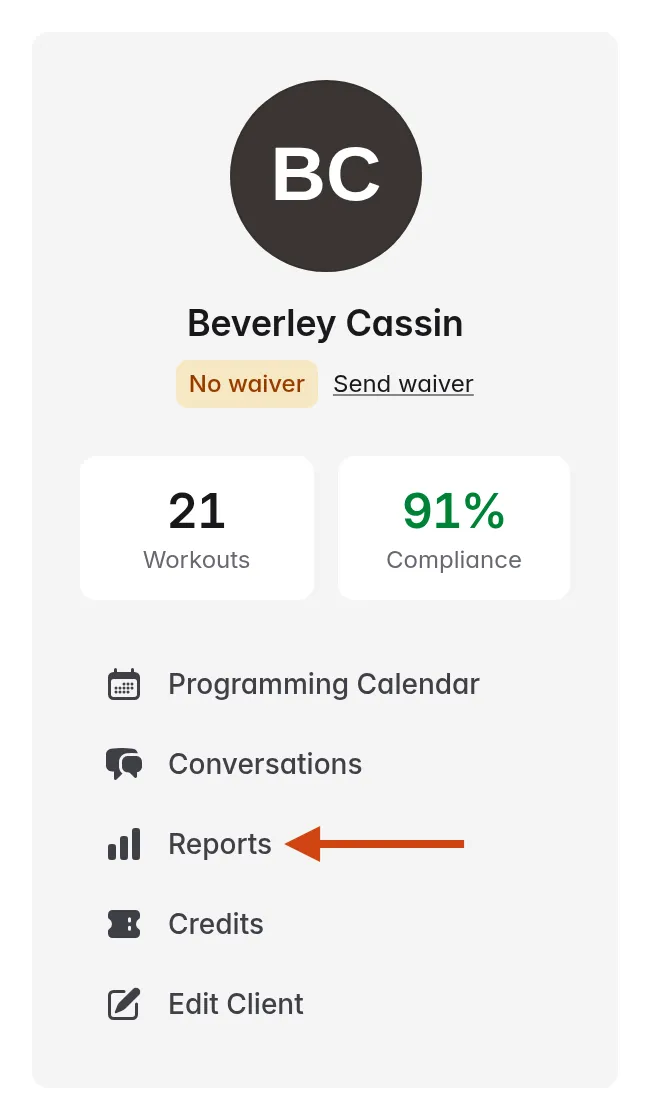
The page lists each exercise the client has made at least once, most recently trained first. Select an exercise to open its report.
Owners, admins and the client’s coach can open a client’s reports. Clients see their own from Reports in the CoachSync menu.
Read an exercise report
Best lifts
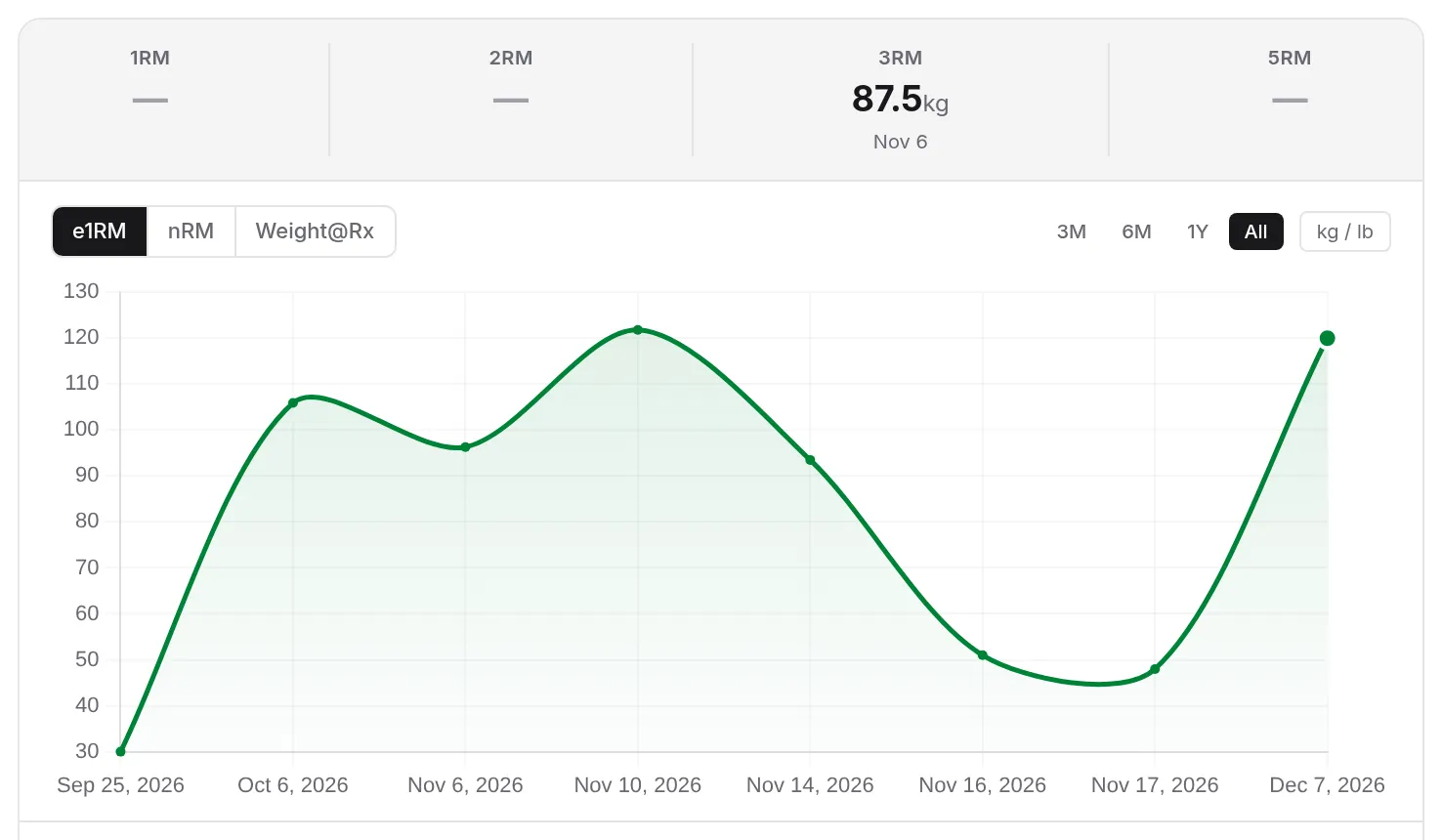
The top row shows 1RM, 2RM, 3RM and 5RM. Each is the heaviest set the client completed for exactly that many reps, with its date.
Chart
Choose what the chart shows.
- e1RM. The client’s estimated one-rep max for each training day, from their best set that day. CoachSync uses the Epley formula. For a set of 100 kg for 5 reps, that is 100 × (1 + 5 ÷ 30), about 117 kg. A single counts at its weight.
- nRM. The heaviest weight on each day for sets of exactly 1, 2, 3 and 5 reps, one line each.
- Weight@Rx. The heaviest weight on each day the client did the same sets and reps as their most recent made session of this exercise, for example 5 reps × 3 sets.
3M, 6M, 1Y and All set the time range. The unit button switches the numbers between kilograms and pounds.
Recent lifts
Recent Lifts lists the last ten times the client did the exercise. Each line shows the date, the weight and reps of each set, and whether the exercise was made or missed.
What counts in a report
- The best lifts and the chart use only exercises the client made, and only sets they completed with a weight and reps.
- An exercise is made when the client meets its prescription. In Standard mode, that means completing every prescribed set at or above the prescribed load and reps.
- Recent Lifts shows both made and missed exercises.
Reports follow the exercise in your library. If the same lift is in two exercises, such as “Squat” and “Back Squat”, each has its own report. See Manage your exercise library.
Lift history during a workout
While logging a workout, the client can open an exercise’s menu and select History. It shows the same best lifts and chart for that exercise, the last five times the client did it, and View Full Report to open the report. See Log a workout.
Get help
If something on this page does not match what you see, contact support.